

Start Here: Essentials to Empower Your Journey
Intro: A Welcome Video From Joe
✅ Adding Favorites
You can create your own Library of Favorites!
Tapping Here will Add This Page:
Tap, then Wait a Moment, and the Button will change. This button is on the bottom of every page.
Find Your List of Favs in the Menu or at the bottom of any page:
💫 Your Favorites
* Note Location of Mobile Menu to reach Favorites, Courses, etc.:
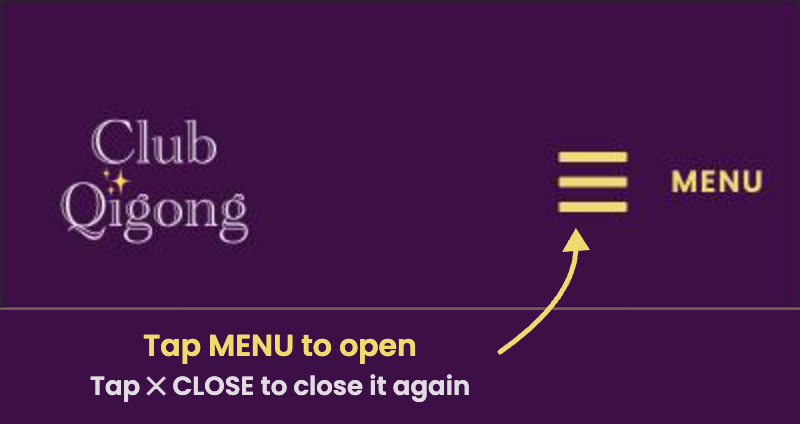
(the top of every page)
✅ Watching Videos in Full Screen
Under every video you’ll find three handy buttons:
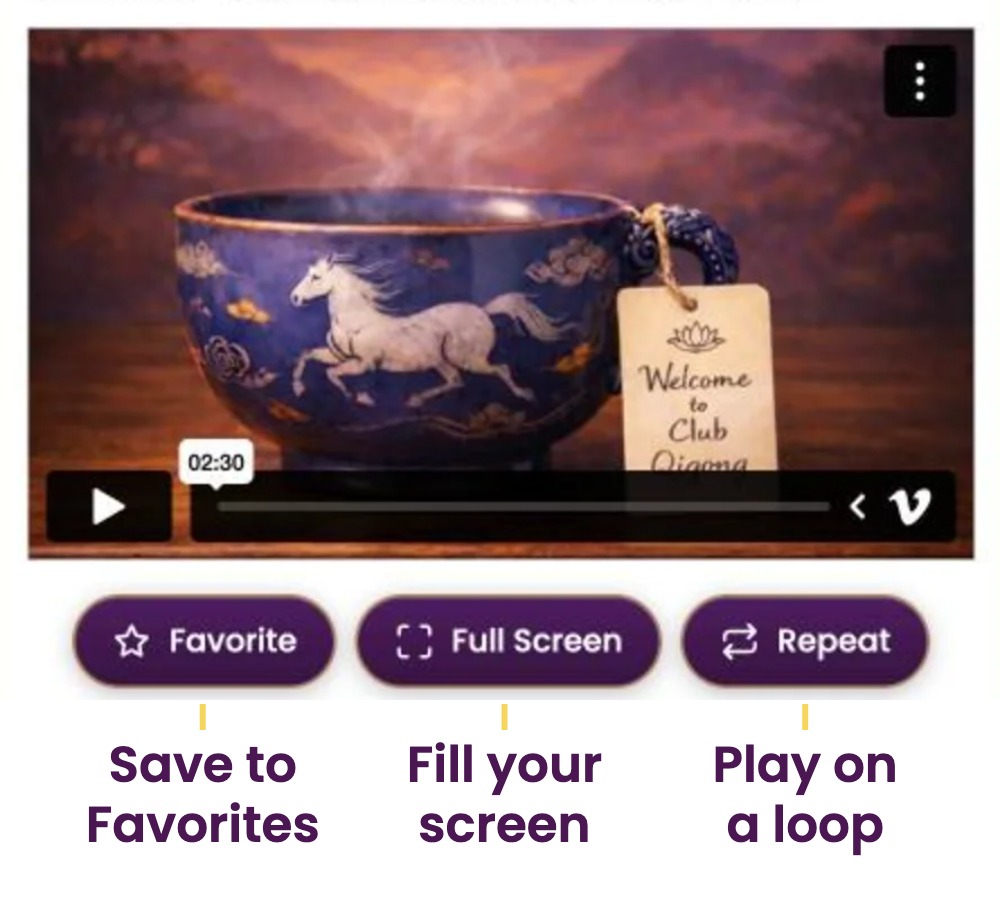
Before you press play, you’ll see Vimeo’s standard player bar (shown further down under “Before You Press Play”).
Once the video is playing, tap it anytime to bring up the Club Qigong controls. They fade away after a few seconds so you can enjoy the flow:
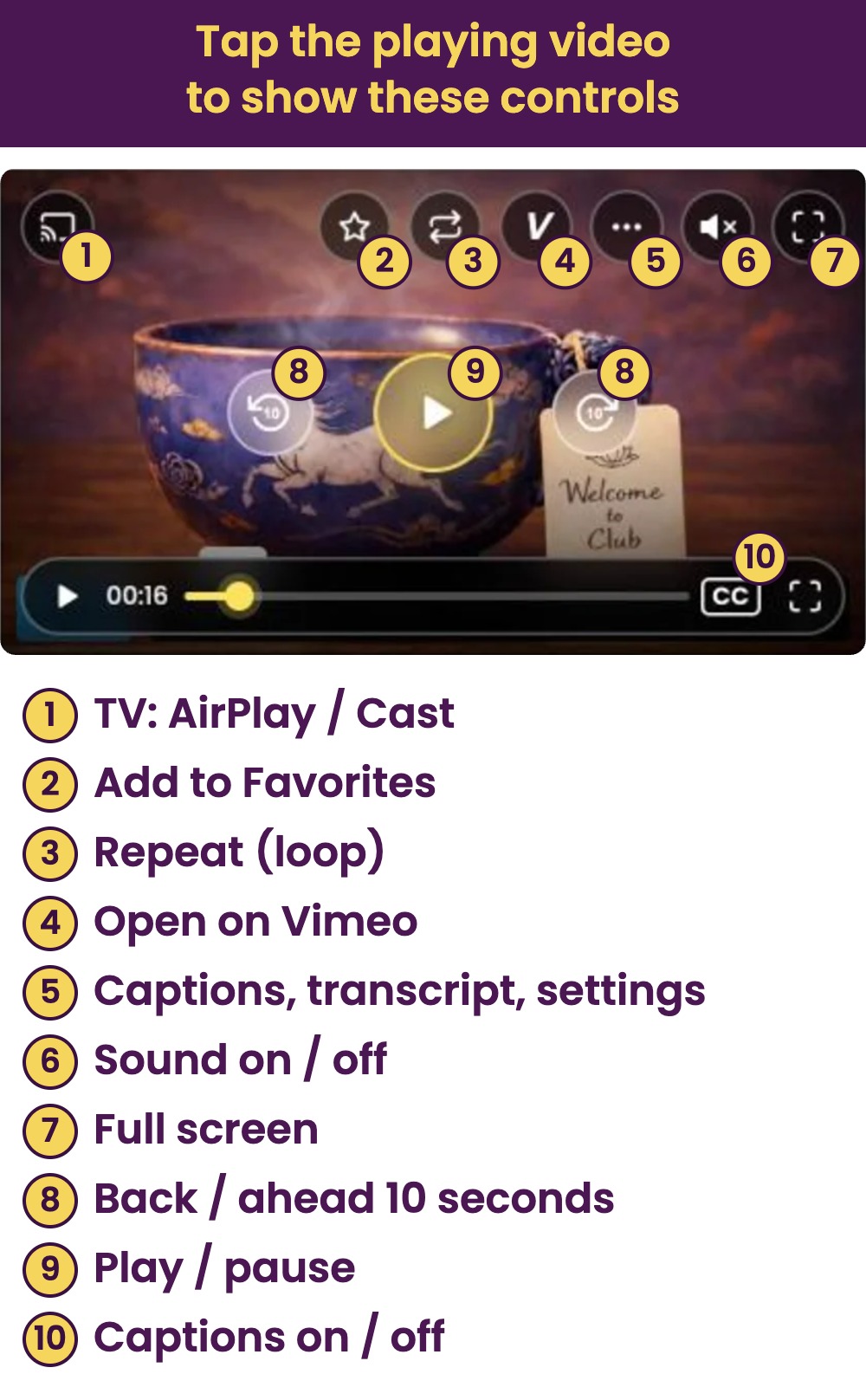
Enjoy your Qigong flows on the big screen using Apple AirPlay or Google Chromecast.
Before You Press Play: Vimeo’s Player Bar

* In some cases, you may need to click the “V” in to lower right to go to Vimeo to activate these options. Then it’s good to also download the Vimeo app. More details….
✅ Your First Qigong Course with Joe
✅ Your Daily Routines

✅ Enjoy Joe’s Universal Mind Meditation
One note for Android: To optimize media player, please restart phone after installing App.

✅ Gallery of Guided Meditations
✅ Accessing The Guide and Club Catalog:Remedies for Common Conditions
Joe’s Guide to Content
The Full Club Catalog
✅ Searching the Site.
Simply click the 🔍 Icon in the Menu or tap Search in the Footer to find specific topics.
✅ Getting More Advanced: Learn the 8 Trigams

🎉 Congrats!
• You can now make Club Qigong Your Own with Your Library of Favorites.
• Go to your Favorites page to return to this Beginner’s Guide or find it under Courses.
🌅 Going Further: Walk with Joe anytime to gain insights for life!

Fascinating History of Yue Lie and the 8 Pieces of Brocade in Qigong
Access Your Free Qigong Flow & Meditation with Joe by Joining Our Newsletter